Automatic scrolling and stitching
Captures viewport segments at native resolution and maps them into one seamless image.
Private screenshot tools for Chrome
Automatically scroll and stitch long webpages, then annotate, redact, frame, and export—without uploading your screenshots.
Capture precisely
The capture engine handles long documents, sticky navigation, lazy-loaded media, inner scrolling areas, and high-DPI displays while preserving your original scroll position.
Captures viewport segments at native resolution and maps them into one seamless image.
Keeps a persistent header once while suppressing repeated floating elements during capture.
Waits for dynamic media and expands compatible inner scrolling areas and same-origin frames.
Preserves the captured device pixel ratio for crisp screenshots on high-density displays.
Edit immediately
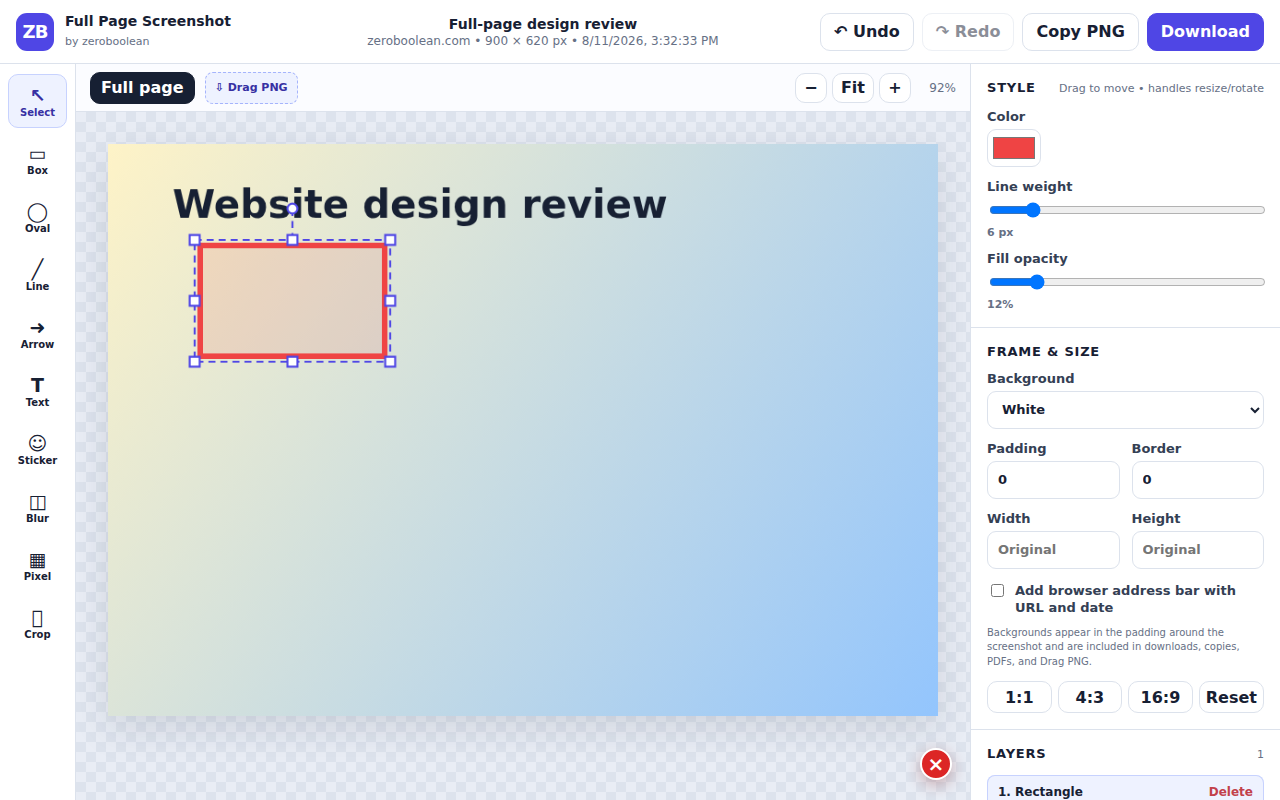
Every annotation becomes active the moment you place it. Drag inside to move, use the edge and corner handles to resize, or rotate from the top control.
Export your way
Add padding, borders, a gradient or image background, and an optional browser frame. Then copy, drag, download, or build a multi-page document.
Simple workflow
No account setup, cloud upload, or complicated project flow.
Click the toolbar icon or use the keyboard shortcut on a normal webpage.
Annotate, redact, crop, resize, frame, and review the stitched page in Chrome.
Download an image, build a PDF, copy to the clipboard, or drag the PNG to your desktop.
Private local history
Search saved screenshots by title, URL, or domain. Reopen them in the editor, download again, bulk-export a ZIP, or delete them whenever you like.
How local storage works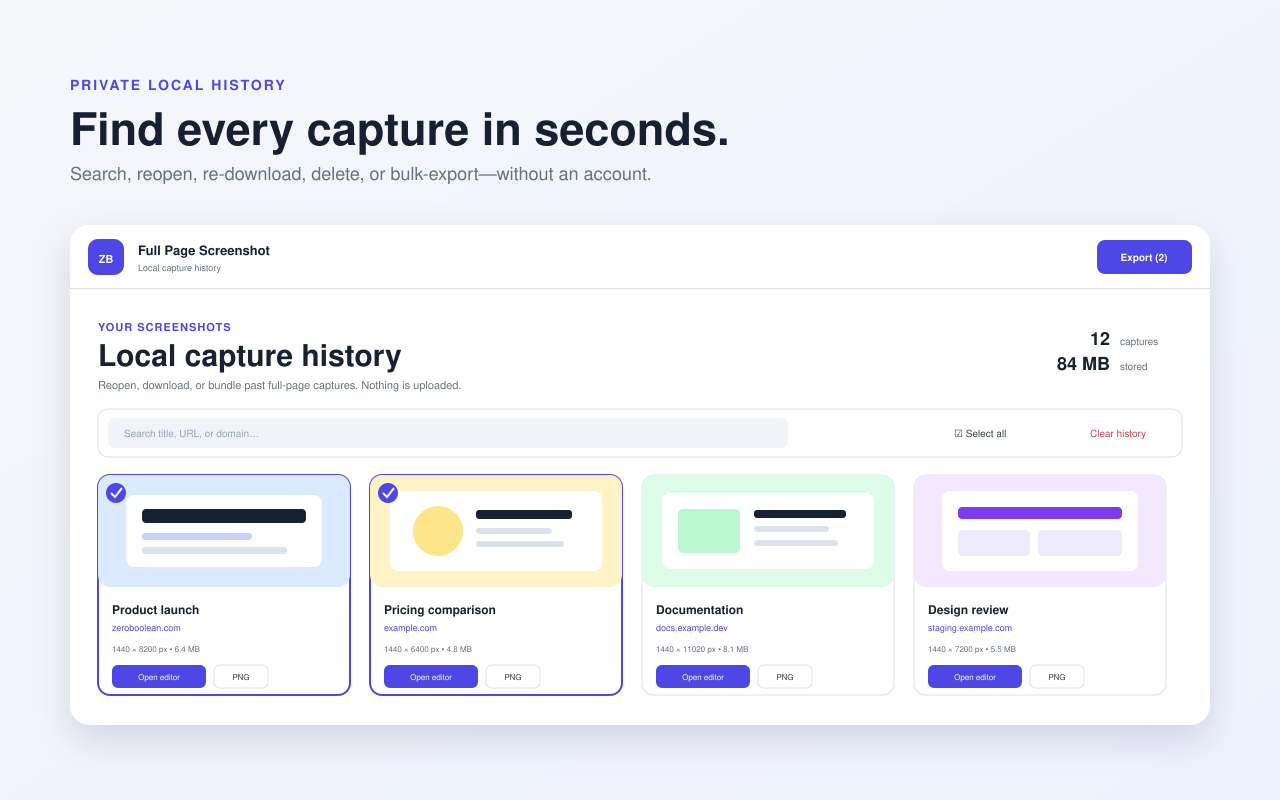
Privacy first
The extension has no accounts, analytics, advertising, or screenshot-upload service. Website content and capture metadata are processed locally only for the features you request.
Questions, answered
Need help with a specific website? Visit the support page for troubleshooting steps.
Open supportNo. Image assembly, editing, redaction, history, and exports happen inside the extension. Zeroboolean does not receive your captures.
It works on ordinary HTTP and HTTPS pages. Chrome blocks extensions from injecting scripts into internal pages such as chrome:// pages and the Chrome Web Store.
The extension can split very tall pages into multiple image parts before Chrome's canvas or memory limits are reached.
Yes. Double-click the text on the canvas or choose Edit beside the text layer.
PNG, JPG, WebP, multi-page PDF, and ZIP. PNG can also be copied to the clipboard or dragged to the desktop.
Full Page Screenshot by Zeroboolean
A focused screenshot workflow for design reviews, documentation, bug reports, research, and records.